Soft Teal Ruffled Flower with Gentle Light Wallpaper
100% free AI image 🌸 Floral
6/16/2026, 5:29:44 PM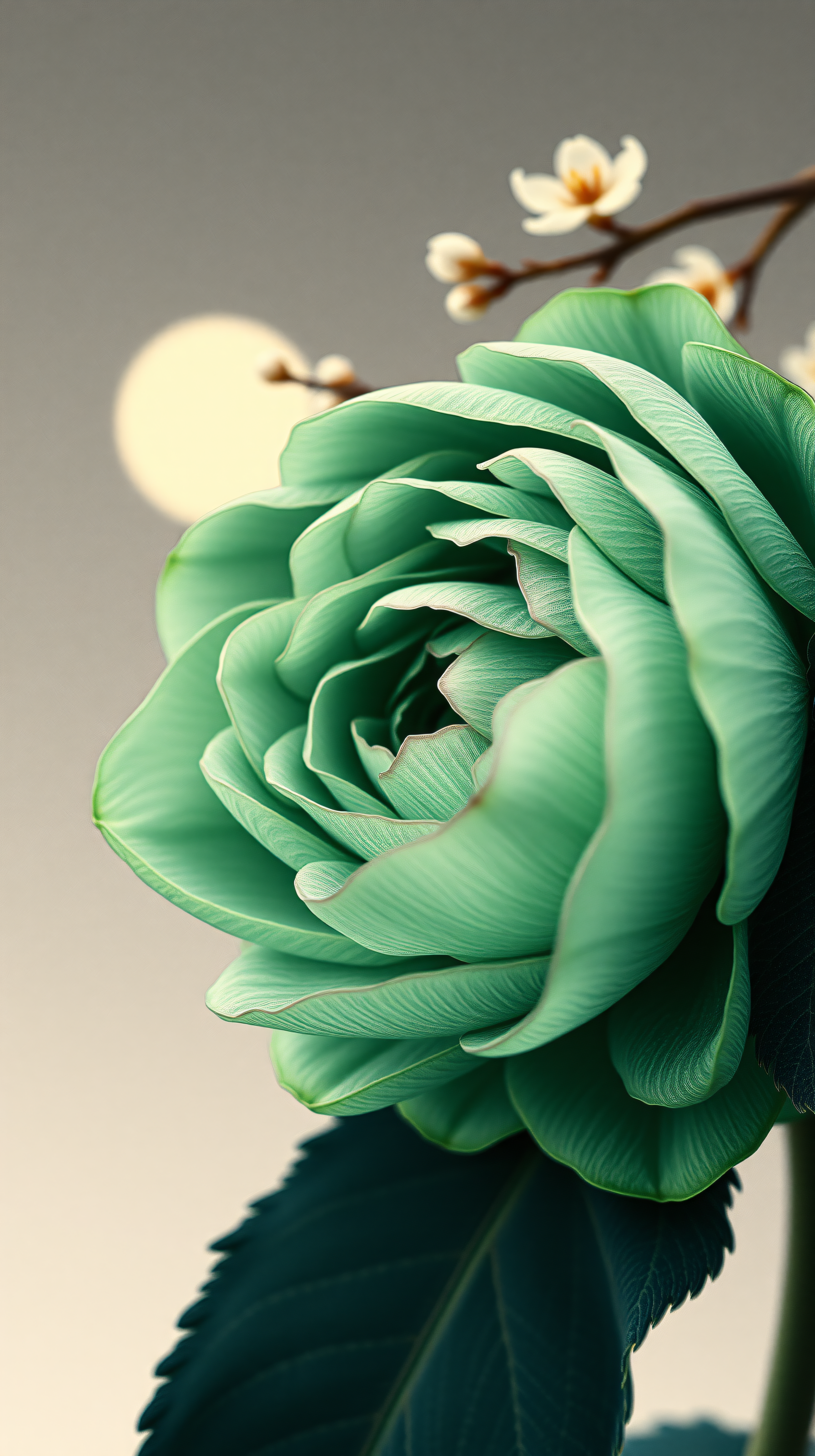
0 0
100% free · personal & commercial use · no attribution required (License)
If the download doesn’t start, press and hold the image to save it.
How to set as wallpaper
- iPhone: open Photos → tap the image → Share → Use as Wallpaper.
- Android: open Gallery → tap the image → menu (⋮) → Set as wallpaper.
About this wallpaper
A captivating close-up captures the intricate beauty of a beautifully ruffled teal-green flower, its delicate petals unfolding against a serene, muted background. A soft, diffused light source and delicate white blossoms in the bokeh add to the tranquil and ethereal atmosphere. This elegant and calming wallpaper is perfect for anyone seeking a touch of natural sophistication and gentle beauty on their phone's lock or home screen.
Style: Macro photography, soft focus Mood: Calm and serene Best for: Aesthetic phone background
Color palette — Muted greens and soft neutrals
Soft Teal Green
#6db1a0
#6db1a0
Muted Grey
#90918f
#90918f
Deep Forest Green
#2f504e
#2f504e
Pale Cream
#e1e1d8
#e1e1d8
Soft Pale Yellow
#f6f5d1
#f6f5d1
Wallpaper details
- Resolution
- 1792 × 3200 px
- Aspect ratio
- 9:16 (portrait)
- Format
- JPG
- Best for
- Aesthetic phone background
- License
- Free — personal & commercial, no attribution
How to set it as your wallpaper
- Tap Download to save the full-resolution image to your phone.
- iPhone: Settings → Wallpaper → Add New Wallpaper → Photos, then pick this image.
- Android: open the saved image in Photos/Gallery → menu → Set as wallpaper.
- Choose Lock screen, Home screen, or both — the 9:16 format fits edge-to-edge.


